Free download
Free DXF Shop Intake Kit
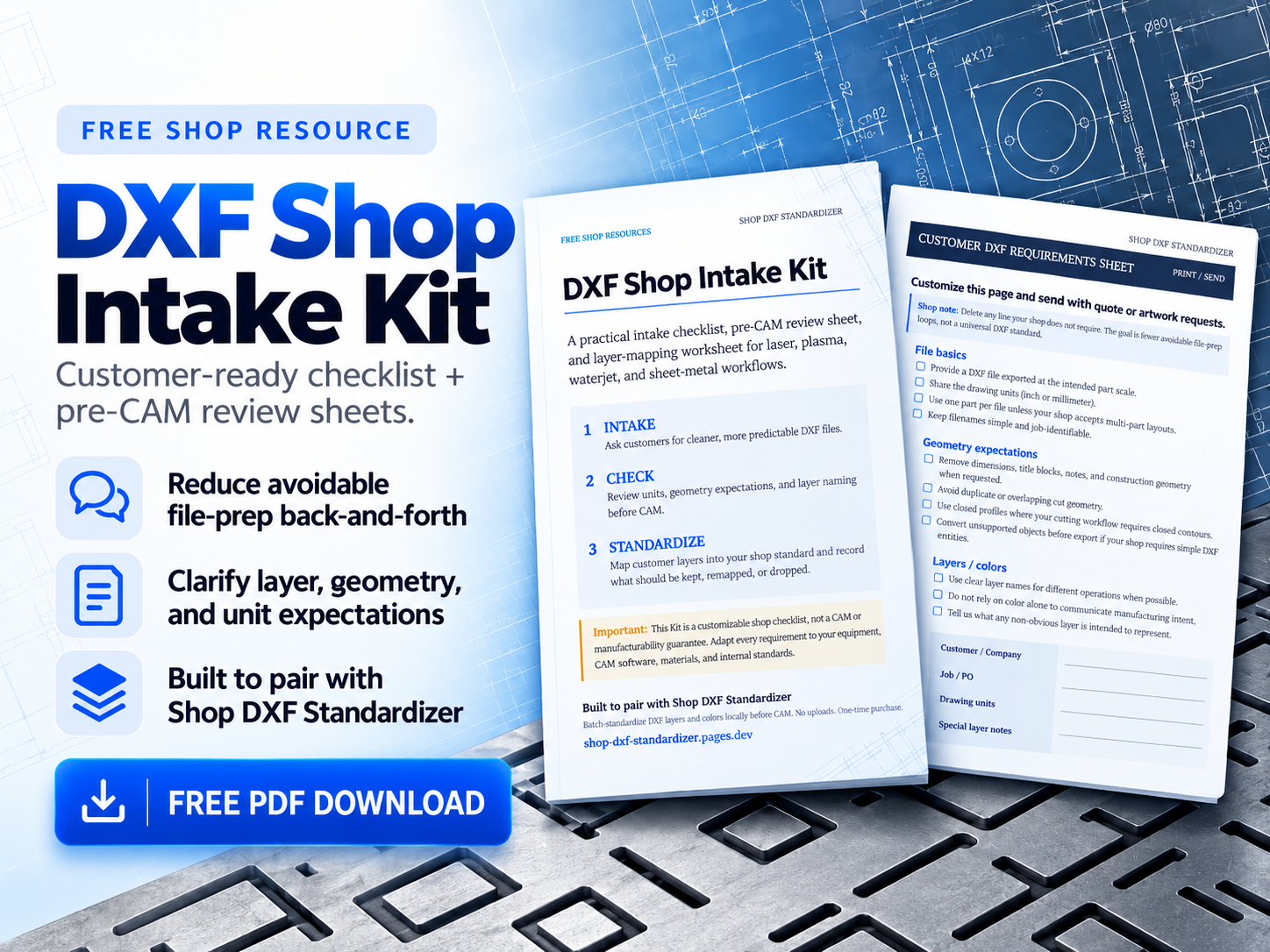
A practical DXF shop intake checklist for laser, plasma, waterjet, and sheet-metal fabrication shops that receive customer DXFs with quotes or artwork requests — so file expectations are clear before nesting and CAM.
Includes PDF and editable DOCX. Customize the sheets for your shop, then send them with RFQs or artwork instructions.
What the kit includes
The kit is built for shops that already cut or etch from customer flat patterns — not as a general CAD tutorial. It packages three related worksheets you can adapt:
- Customer DXF requirements — what to ask for before quoting or programming
- Pre-CAM review checklist — a fast intake pass when a file lands on the floor
- DXF layer mapping worksheet — map customer layer names to your shop conventions
Together they form a DXF shop intake checklist you can print, email, or paste into portal instructions. PDF for distribution; DOCX when you need house branding or different layer names.
Customer DXF requirements
Most rework starts upstream: wrong units, mixed construction and cut geometry, or layers that mean something different in every customer CAD package. A short customer DXF requirements sheet does not replace a shop programmer’s judgment, but it reduces avoidable loops.
Typical asks to put in writing: declare units (mm or inch); export at 1:1 scale; prefer one part per file when that matches your quoting process; name cut, mark/etch, and bend-reference layers clearly; omit title blocks, dims, and notes from the cutting DXF when possible; and say how you want revisions labeled.
For laser-specific detail, see DXF file requirements for laser cutting shops.
Pre-CAM review checklist
When a DXF arrives, a short pre-CAM pass catches problems before someone spends twenty minutes in CAM discovering open contours or duplicate geometry. The kit’s pre-CAM checklist is meant for estimators and programmers — a shared language for “file needs customer clarification” versus “ready to map layers and import.”
Common checks: units and scale match the quote; intended cut profiles are closed where your process requires it; construction and dimension layers are identified; duplicate or overlapping paths are noted; and unmatched customer layers are listed before anyone guesses a tool assignment.
Layer mapping worksheet
Customer files often use names like LASER, CUTTING, CUT, ETCH, ENGRAVE, BEND, DIM, or CONSTRUCTION. Your CAM profile may expect a smaller set of shop layers. The worksheet gives columns for customer layer, shop layer, action (KEEP / REMAP / DROP), and notes so the team documents decisions once instead of rediscovering them per job.
Use the DXF layer mapping checklist for a full process write-up, and standardize DXF layers before CAM when you want a before/after shop-profile example.
How shops can customize the kit
Replace placeholder layer names with your house standard. Add max file size, preferred DXF version, or material thickness callouts if your quote portal needs them. Remove plasma- or waterjet-specific lines if you only run fiber laser. Keep the language shop-specific — a checklist that matches your CAM import rules beats a generic “best practices” list customers ignore.
Why standardized intake reduces avoidable rework
Every clarification email after a quote is already priced costs schedule and goodwill. Standardized intake does not eliminate bad geometry or unusual design intent, but it shifts common failures earlier: customers see what you need; programmers see what was checked; estimators know when a file is incomplete. That is the practical value of a DXF shop intake checklist and DXF file preparation guidance for fabrication shops.
Intake guidance vs manufacturability / CAM validation
The kit is intake guidance: communication and review worksheets. It does not claim files will be accepted by every CAM system, repair open contours, apply kerf, or generate toolpaths. Those remain shop and CAM decisions. Treat the kit as a front door for clearer customer DXF requirements — not as manufacturability software.
Intake reduces avoidable confusion. It does not replace CAM programming, geometry review, or shop judgment on whether a file is suitable to run.
Free download
Download the Free DXF Shop Intake Kit and customize it for your shop.
When intake still leaves messy layers
Even with clear requirements, customer DXFs often need the same layer remaps file after file. Shop DXF Standardizer is a local Windows utility ($99 one-time) that batch-applies a saved shop profile — KEEP, REMAP, or DROP layers and colors — with preview and a run report. It does not repair geometry or guarantee CAM acceptance.